How to Prepare for an Asynchronous Recorded Admissions Interview
By Muntasir Minhaz • Published Aug 19, 2026
InitialView and Vericant are live, real-time video interviews with a trained human interviewer, recorded for admissions staff to review later. Kira Talent-style tools are the true one-way format, with no interviewer present while you record, so prepare differently depending on which platform your school uses.
🎓 Common platforms are InitialView, Vericant, and Kira Talent, each used by different sets of universities.
⏱️ Kira Talent-style formats give a fixed thinking time and a fixed recording time per question, so rehearsed scripts read as stiff and often run over.
Test your camera, lighting, and internet connection at the same time of day you record for real, not only once in advance.
Check your specific invitation email for retake rules. They differ by platform and even by school.
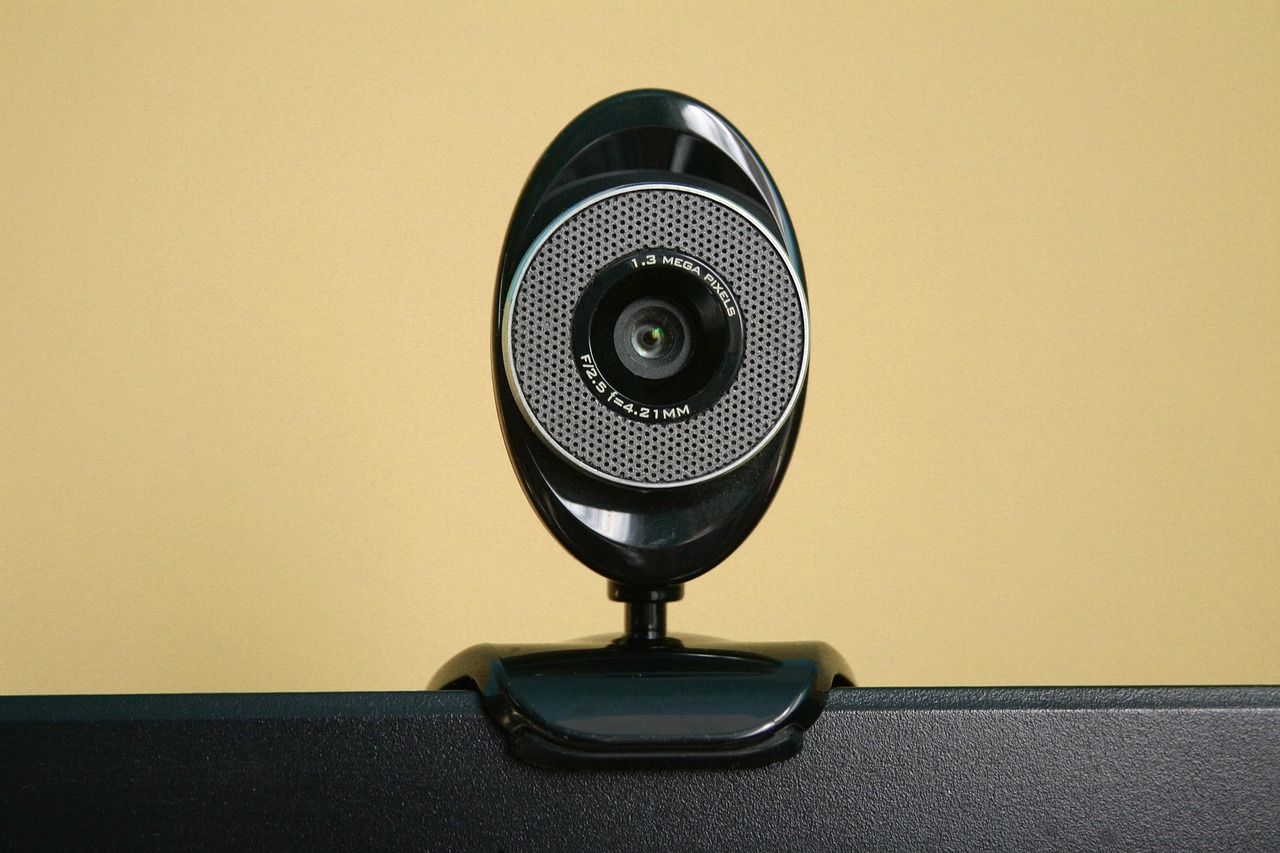
How Asynchronous Interview Platforms Work
Three platforms show up most often in US undergraduate and graduate admissions, and they do not all work the same way. InitialView and Vericant are live, real-time video interviews with a trained human interviewer, often a former admissions officer, who asks follow-up questions and holds a genuine conversation with you. That conversation is recorded, and admissions staff who were not on the call review the recording later. InitialView pairs its interview with a separate writing sample, and Vericant also records in person in some markets and adds a spoken English evaluation for younger applicants.
Kira Talent works differently. It is a fully online timed video and written assessment tool with a true one-way, asynchronous format. The platform shows you a question, gives a short period to think, then opens your camera and microphone for a set time to record your answer. No admissions officer appears on the call. Reviewers watch the recording later, sometimes an interviewer who never sees you live and sometimes the admissions committee directly. Each university chooses which platform to use, and some request more than one.
Understand the Prompt Structure
Kira Talent-style platforms typically show you a question, give a short window to read and think, then start recording automatically for a fixed response time. You see the question once, with no option to pause and search for it elsewhere. This format rewards clear structure over a memorized script, since you organize your answer while the timer runs.
Read your invitation email carefully. It states how many questions you answer, how long you get to think, how long you get to respond, and whether a practice question comes before the real ones.
Check Retake Rules Before You Start
Retake policies differ by platform and by the school that licenses it. Some platforms allow one practice question with no retakes on scored questions. Others allow a single redo of one answer. Do not assume either rule applies to you. Confirm the exact policy in your invitation email or on the platform's help page before your session, so you are not surprised mid-interview.
Set Up Your Recording Environment
Lighting: face a window or lamp, and keep bright light or a window from sitting behind you.
Camera height: position your webcam at eye level, not looking down or up at your face.
Background: a plain wall or tidy room works better than a busy background.
Internet: use a wired connection or strong stable Wi-Fi, and close other apps that use bandwidth during your recording window.
Quiet: pick a time with no household noise, and tell family members you are recording.
Browser and device: check the platform's supported browser and device list a day before, not minutes before your session opens.
How to Answer Naturally in Either Format
Speaking to a camera with no one responding feels different from a conversation, and Kira Talent-style sessions call for this skill most. Look directly at the camera lens, not at your own face on the screen, so it reads as eye contact. Treat the lens as a person's eyes, not a recording device.
Prepare a short mental outline for common topics, your background, your intended major, why you chose this university, and a challenge you handled, instead of a word-for-word script. A script that runs out mid-sentence when your time limit hits looks worse than a shorter, complete answer. Pause briefly before you speak instead of filling silence with filler words. A short pause reads as thoughtful on a recording, and dead air after the timer starts counts against you less than a rushed, run-on answer. For InitialView and Vericant, the same preparation helps, but treat the session as a real conversation. Answer the interviewer's actual question, listen for follow-ups, and let the exchange feel natural rather than rehearsed.
Before Your Scheduled Session
Do one full practice run with the platform's demo or sample question if one is offered.
Record yourself answering two or three likely prompts on your phone and watch them back for pace and eye contact.
Confirm the deadline and time zone for your session. Many platforms show a countdown in your local time, so check it matches the school's intended time zone.
Have your passport or ID ready if the platform asks for identity verification before you start.